

Ebook Central gets a new reader app, Adobe Digital Editions is being replaced
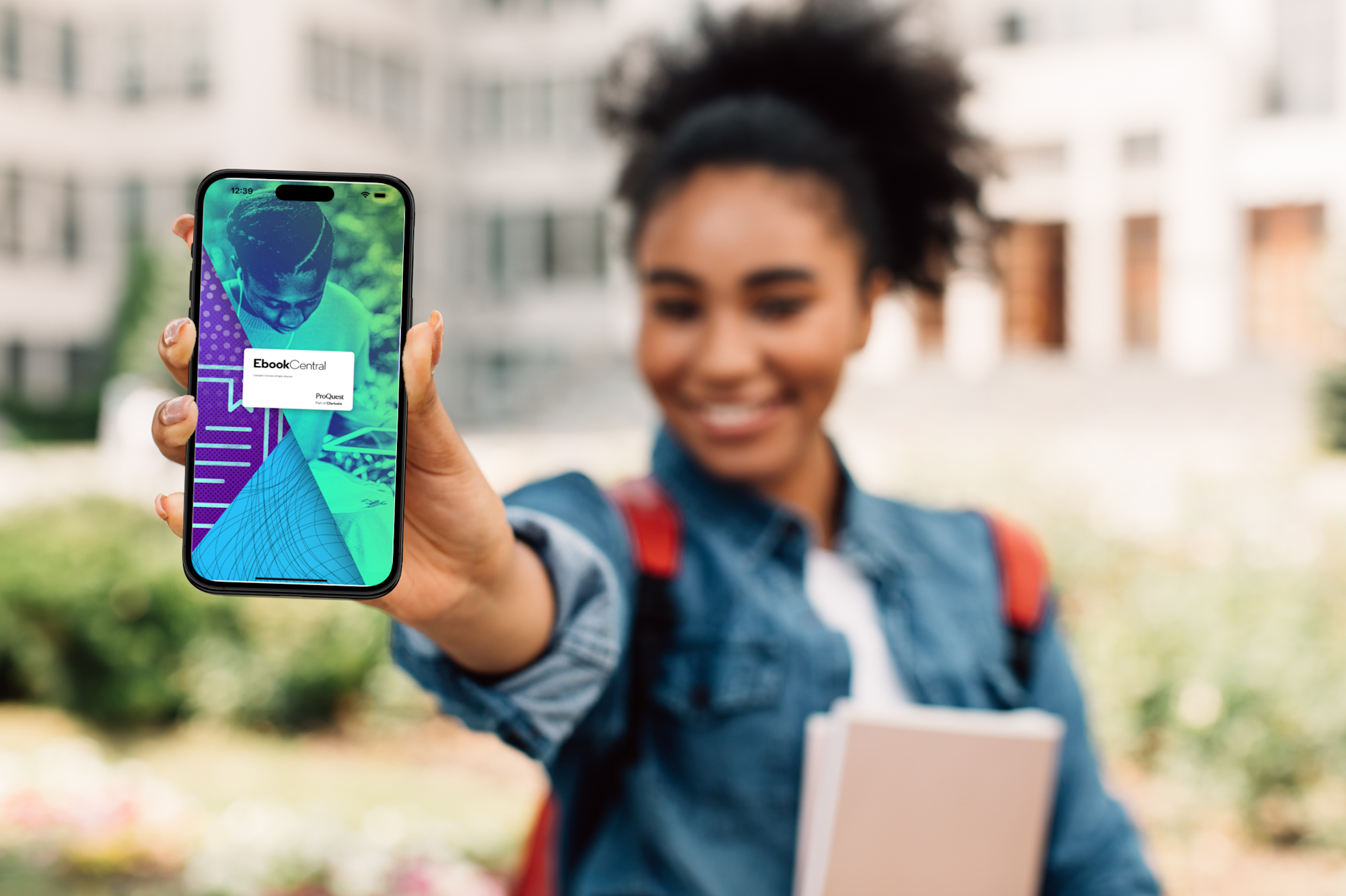
Ebook Central’s reader programme is changing. If you download e-books to your own device and read them without an internet connection, you will need the new Ebook Central Reader app. If you only read e-books in a web browser, you do not need to do anything.
Ebook Central has previously used Adobe Digital Editions to read e-books without an internet connection. This is being replaced by ProQuest’s own Ebook Central Reader app.
You need Ebook Central Reader to read the e-books you have downloaded. You still need to use the Ebook Central website for searching and downloading e-books.
Why is the new app being introduced?
Ebook Central Reader makes it easier to use e-books and offers improved accessibility features. You also no longer need a separate Adobe account if you wish to read e-books on multiple devices.
As Ebook Central Reader is ProQuest’s own app, ProQuest can better protect the content of e-books and their use within its own application.
Ebook Central Reader will be launched on Wednesday, 18 November
Ebook Central Reader will be launched on 18 November. If you have downloaded e-books to Adobe Digital Editions, the books will be automatically transferred to the new Ebook Central Reader.
Adobe Digital Editions will remain available in Ebook Central until the end of 2026.
Download the app if you read e-books without an internet connection
If you want to download Ebook Central e-books to your device and read them without an internet connection, you’ll need the Ebook Central Reader app.
HAMK staff can download the app from the Software Centre.
You can install the app on up to six devices. You can read the e-books you have downloaded on any of these devices without a separate Adobe account. You can manage your devices in your Ebook Central account profile.
If you only read Ebook Central e-books in a web browser, you do not need to do anything. You can continue reading e-books in your browser just as you did before..
Get started with Ebook Central Reader in your browser
Follow these steps:
- Log in to Ebook Central via HAMK Finna.
- Log in to your personal Ebook Central account.
- Open your account profile.
- In your profile, you will find the code you need to set up the Ebook Central Reader.
Watch the video or see HAMK Finna for more detailed instructions.
Guides and instructions
Ebook Central is the last of the library’s e-book services to use the Adobe Digital Editions reader. The Thorium Reader app is used to read e-books from Ellibs and EBSCO.