

Is Your Library Card Connected to HAMK Finna?
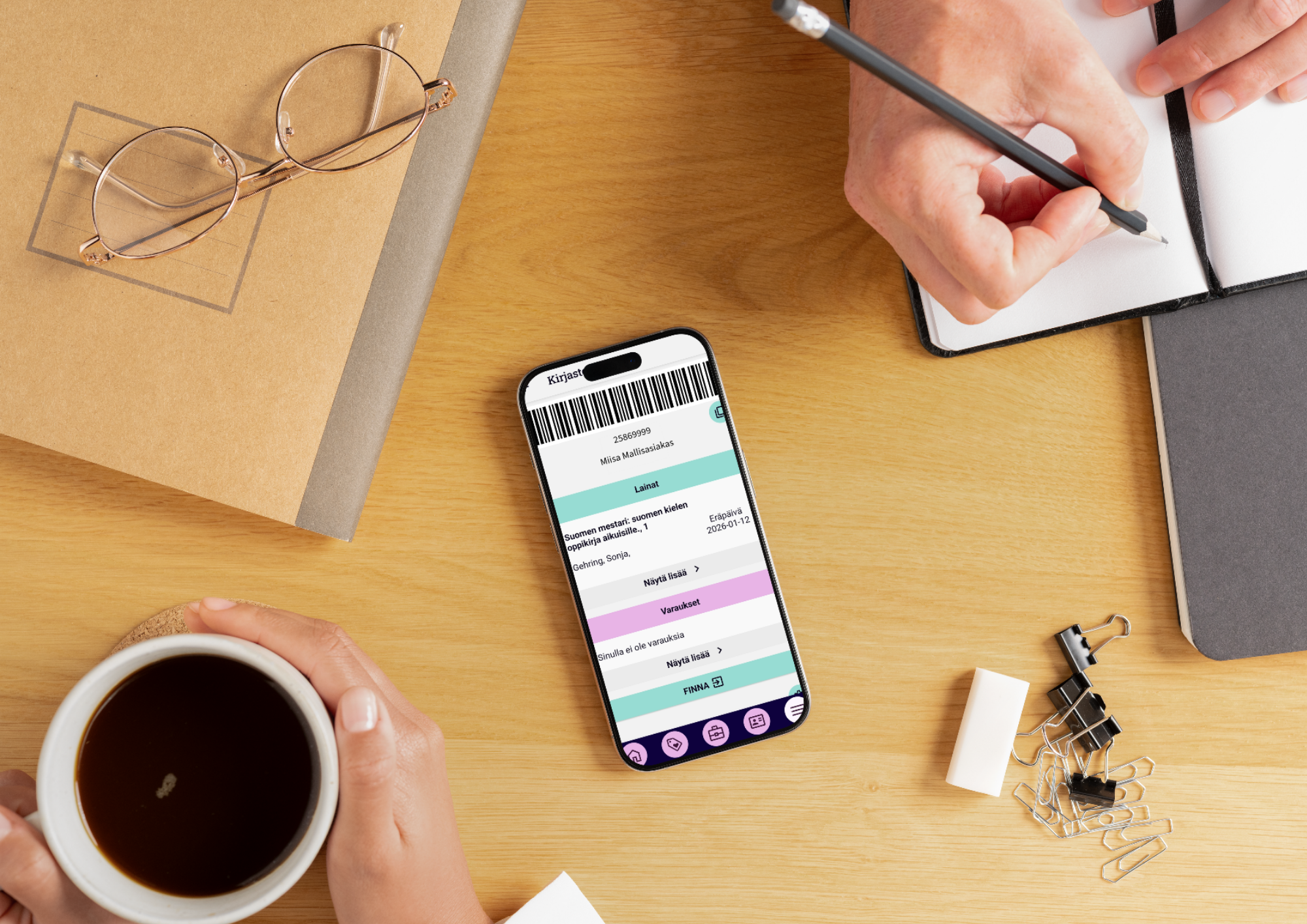
HAMK student, connect your library card to HAMK Finna! Then you can get the most out of the library, for example reserve books from other campuses.
Here’s how:
- Log in to HAMK Finna using your HAMK ID.
- Go to Your Account and Library Cards.
- If there already is your library card’s barcode, you have connected your card earlier and you are ready to use it! If not, choose Connect library card and enter your library card number and PIN.
Forgot your PIN code? No worries! Our customer service is here to help:
- Email: hamk.kirjasto@hamk.fi
- Phone: +358 3 646 4700 (Mon–Thu 9 am–3 pm, Fri 10 am–3 pm)
- Visit us at any campus library. Check service hours in HAMK Finna.
If you do not have a library card for borrowing printed material yet, you can activate it in Tuudo app or fill out a library card application. You can access e-materials with your HAMK ID without a library card.